

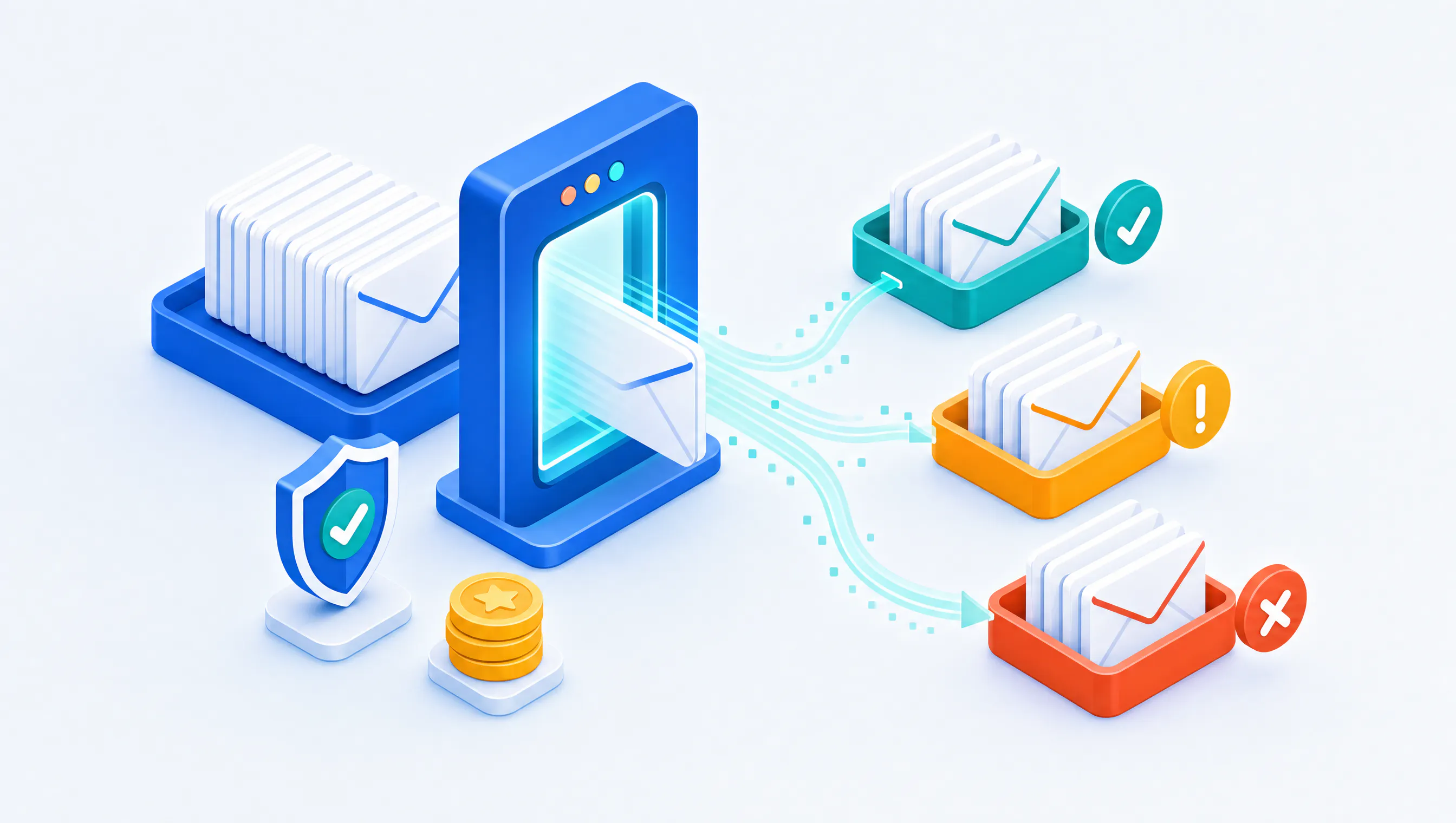
When we launched the new Client Portal at the start of October, I wrote that it would also be home to services that sit around Octeth itself. Email list verification was first on that list. It went live on October 23, and you can use it today at my.octeth.com under Services.
Why We Built It
Most deliverability problems I have seen over the years started with a list, not with a server. Someone imports an old CRM export, a trade show sheet or a list that sat unused for two years, and the first campaign to it bounces hard. Mailbox providers notice. The damage to an IP or domain reputation can take weeks to repair, and it affects every list sent from it afterwards.
Octeth already handles bounces and suppression well once mail goes out. The cheaper fix is to stop the bad addresses before the first send. So we built verification into the portal our customers already log in to.
How It Works
Open Email Verification in the portal and upload a CSV, TSV or plain text file. You do not need to prepare it. The portal finds the delimiter, the header row and the email column on its own, and it copes with the usual export quirks such as byte order marks and quoted fields. A file can be up to 50 MB and one million rows.
Before anything runs, you see what the list contains: total rows, duplicates, empty rows, unique addresses, the credits it will use and your balance before and after. Nothing is charged until you click Start.
When the list finishes, you get an email. You then download the results as a CSV and choose what goes into it:
- Which groups to include, for example only the Safe addresses for a clean import, or only the Invalid ones for a suppression file.
- Which Risky reasons to keep or drop.
- Your original columns, the result columns or both, so the names and custom fields you exported come back with the verdict next to them.
For a single address, use the Single check tab. You get the answer within seconds, with the result, the reason, the domain and its mail server.
The typical flow with Octeth is short: export a list from Octeth, verify it in the portal, then import the Safe file back or add the Invalid file to your suppression list.
What the Results Mean
Every address lands in one of four groups:
- Safe: the mailbox exists and accepts mail. Send to it.
- Risky: the address may be deliverable, but sending to it carries a risk. The reason tells you which one: a catch-all domain that accepts every address, a role address such as info@ or sales@, a disposable address, or a low quality address.
- Invalid: the address is malformed, the domain does not exist or the mailbox was not found. Remove it.
- Unknown: the receiving server did not give a clear answer, for example because it timed out or was unavailable.
Each result also carries flags you can filter on, such as free email provider, mailbox full and no-reply, plus a "did you mean" suggestion when an address looks like a typo of a common domain.
We class a role or disposable address as Risky even when the mailbox exists. Those addresses rarely belong to someone who asked for your email, and they are where complaints and spam traps tend to come from. You can still keep them in your export if they matter to you.
Credits
Verification runs on prepaid credits. One credit verifies one unique address, whatever the result.
- Duplicates and empty rows are free. They are removed before counting.
- Addresses that could not be checked are credited back automatically when the list finishes.
- Credits never expire.
Credits come in packs, and the larger the pack, the lower the price per address. You can pay by card or by bank transfer, and every purchase gets an invoice.
You do not need an Octeth license to use it. Anyone can create a free account at my.octeth.com, buy credits and start verifying, whichever platform you send from.
Credits belong to your team. Every member can run checks, and Owners, Admins and Billing members can buy credits.
Your Data
A list of email addresses is personal data, and we treat it that way. The uploaded file and the per-address results are deleted automatically 10 days after a list finishes, so download what you need within that window. After that, the list shows as deleted and only the counts and your credit history remain.
Addresses never go into our analytics, logs or error reports, and our staff see counts, not addresses. If you delete your account, your files go with it.
An API for Your Own Systems
Everything in the portal is also available over a REST API: check your credit balance, verify up to 50,000 addresses in one call, upload lists, poll their status and download the results. You create API keys for your team in the portal, and the full reference is published at my.octeth.com/email-verification/api.md, in plain Markdown so your developers and their AI tools can read it directly.
This is the piece I am most interested to see used. Verifying addresses at the point of signup, in a CRM sync or before a scheduled import is where verification pays off the most, because the bad address never reaches your list in the first place.
What Comes Next
Verification is the first service on the credit system, not the last. Next is an email relay service over API and SMTP, for teams that want reliable delivery without running their own mail servers. It will use the same credits and the same portal. I am not giving a date yet, and we will announce it when it opens.
If you try verification and something does not work the way you expect, open a support case from the portal. It is a new service and your feedback shapes what we fix first.
Already an Octeth client? Log in to the Octeth Client Portal to verify your first list, or to download the latest version of Octeth. Not a client yet? You can create an account there and use verification on its own.
Want to see what running your own email platform looks like? Tell us about your setup through the contact form at octeth.com/demo/ and we will show you.