Octeth v6.0.6 is out today, four days ahead of its planned date.
The headline is email verification, built into the product where the lists are. Alongside it come a review page for accounts whose sending is held, journey emails that wait out limits instead of failing, a subscribe command that respects opt-outs, shorter SMS links, and abuse protection that acts on its own.
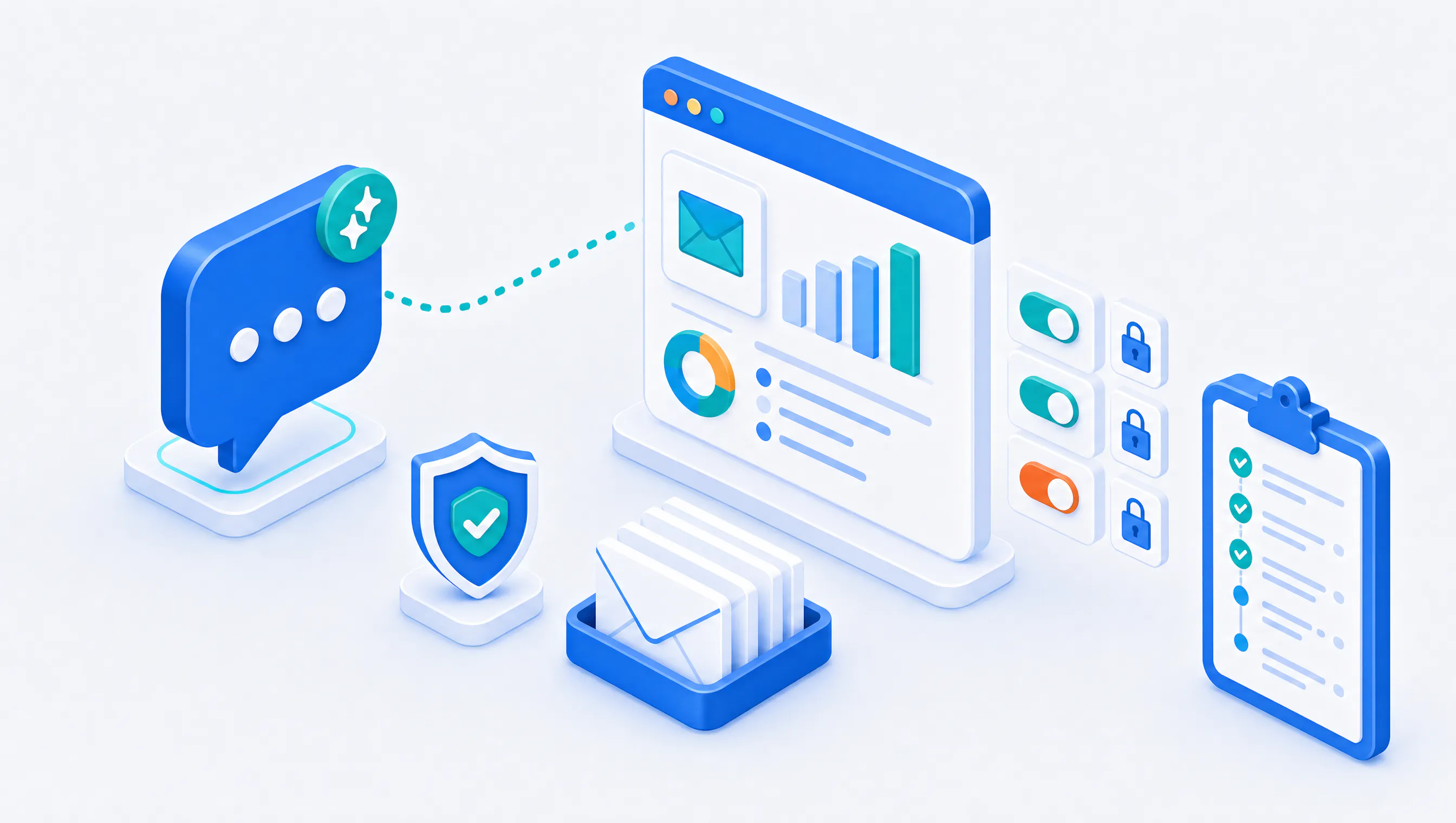
Email Verification, Inside Octeth
Until now, cleaning a list meant exporting it, verifying it somewhere else and importing the result back. That works, but it is a chore, and chores get skipped. The list that skips verification is usually the one that hurts a sender's reputation.
In v6.0.6 your users can:
- Check a single address from the Email verification page, or through the API.
- Check new subscribers as they sign up. A list setting verifies each new subscriber at subscribe time.
- Verify a whole list or segment from the list's Verification tab. When the results come in, they decide what to do with each result group: unsubscribe the addresses, suppress them, or leave them.
Each check uses one verification credit from the user's own balance. Administrators grant credits, and accounts can buy verification packs in Billing. When an address could not be checked, its credit comes back. If you run Octeth for your own customers, this means you can offer list cleaning as a paid service on the platform they already use.
Verification is off on every installation until an administrator turns it on in staff Settings > Email verification. The setup guide walks through it, and the API reference covers the commands.
A Clear Path Back for Held Accounts
When an account's sending is held, the customer usually sees that something stopped and not much else. They open a ticket, someone on your side explains, they answer a few questions by email, and the thread goes back and forth for days.
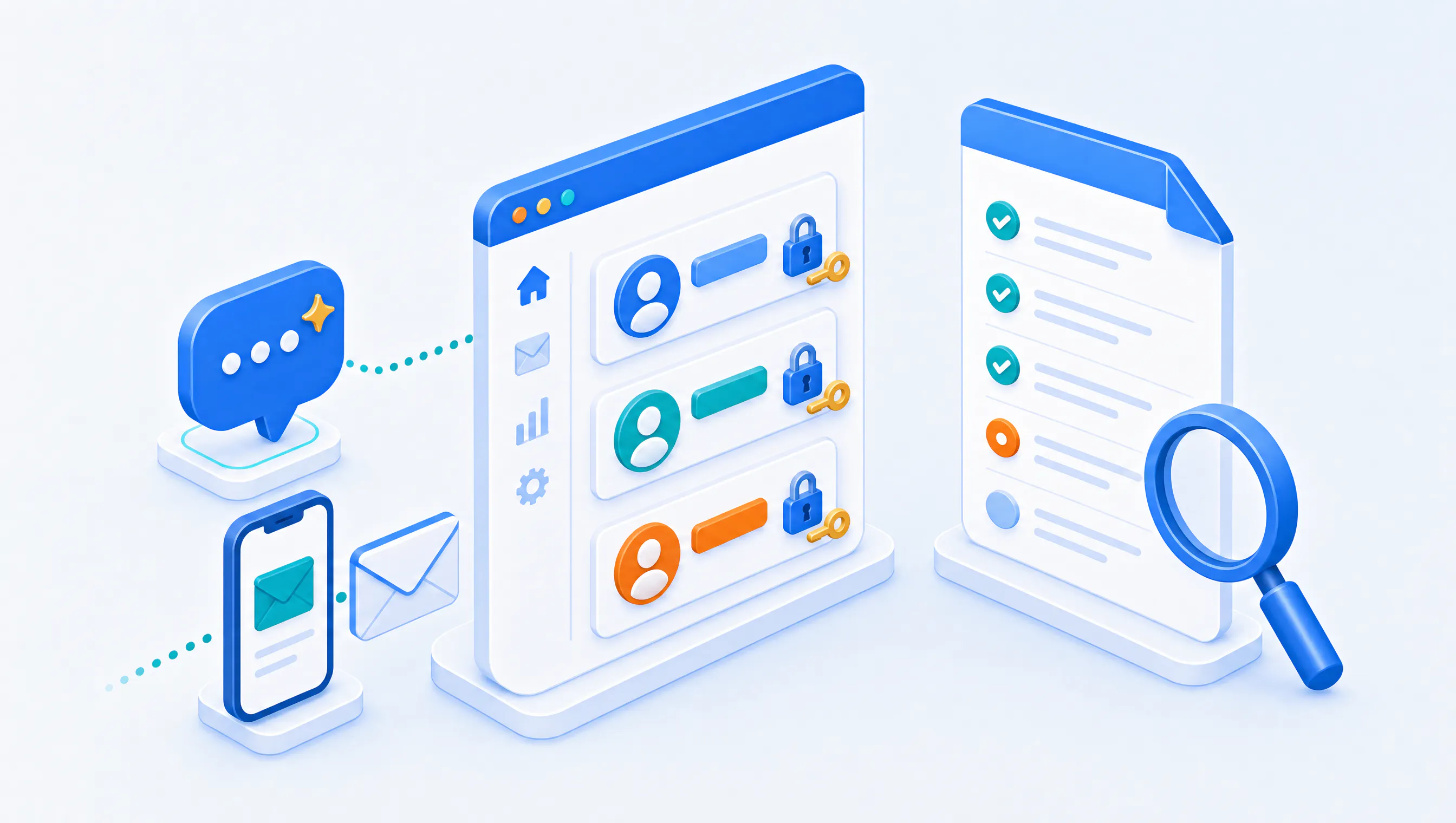
v6.0.6 gives that process a home. A held account now has a review page that says what is paused and why, for every kind of hold. It also holds an application form with questions you configure, so you collect what you need to decide in one go. Your staff read the answers in a review panel on the customer's page, and when the account is approved, the customer receives an email saying so. Only the account owner or an Admin team member can submit the application. The account review guide explains the staff side.
Journey Emails That Wait Instead of Failing
A journey that sends email used to be counted against the same API request limit as everything else, and a busy journey could hit it. A step that ran into a throttle or an account hold failed, and the subscriber's path through the journey ended there.
Journey sends are no longer counted against the email API request limit. When a send is throttled, the journey waits for the throttle to clear, for up to a day. When the account is on hold, it retries every hour for up to a week. Neither counts as a failed attempt. A short hold no longer ends a subscriber's path through the journey.
Journeys also gain server-to-server postback tracking. Turn it on for a journey, and a conversion reported for a click on one of its emails is credited to that journey and its Send email step.
Subscribe Requests That Respect Opt-Outs
This one matters for compliance. Before v6.0.6, when an integration or a form sent a subscribe request for a contact who had unsubscribed, Octeth subscribed them again. A CRM sync running every night could undo opt-outs without anyone noticing.
The subscribe command now refuses a contact who unsubscribed, unless the request says the contact asked to subscribe again. Octeth's own signup forms do say so, because a person filling one in has just given fresh consent. We also tightened multi-list requests: a request whose lists belong to different accounts is refused, every list in the request follows its own double opt-in setting, and one request can carry at most 10 lists by default.
SMS: Shorter Links and Honest Keitaro Numbers
Tracked links in SMS messages used a 20-character code, which took room a message could use for its own text. The code is now five characters. Links already sent keep working.
Keitaro reporting got a careful pass too. Only the sale status counts as a conversion and as revenue, so leads and custom statuses no longer inflate the figures. The report says when Keitaro is not connected instead of showing zeros, labels each figure as total or unique, and the recipient list gains Converted and Keitaro clicked tabs. Carrier and country breakdowns now count each message once. Existing campaigns will show lower conversion figures after the upgrade. The data has not changed, only how it is counted. The SMS and Keitaro guide has the details.
Abuse Protection That Acts on Its Own
The volume monitor, content filter and phishing protection plug-ins now disable an account directly when they catch abuse, and record why and when. New installations have all three enabled with safe defaults, and the volume monitor now has absolute volume limits, so it also catches a brand-new account. Upgraded installations keep their current settings, and the staff dashboard offers the new defaults.
In the New Interface
- Campaign report. Each metric appears once, with its count and rate, complaints included, next to a compact audience line, a chart that starts at the send and the send's duration.
- Save as. A segment can be saved as a new segment.
- Phone-sized screens. Navigation works on phones, with a sidebar that slides in and a top bar that wraps.
- Team member sessions. Team member sign-ins appear in the owner's login activity and active sessions, and the owner can sign out one device at a time.
- Latest updates. A bell in the staff top bar shows Octeth product news and release notices.
Fixes Worth Knowing About
- Segment builder segments behave everywhere. Removing subscribers by a segment built with the segment builder could remove the whole list. Removal, subscriber lists, search, exports, recipient estimates and AI assistant counts now use the segment's members only.
- Campaigns that cannot be sent are caught. A campaign whose email has no subject, content or From address can no longer be scheduled, and a campaign whose every recipient failed ends as Failed instead of Sent.
- A sending campaign is never deleted in the middle of delivery.
- The health check stays quiet during SMS sends, where it used to report a failure every time.
- New segments show their count right away instead of 0 until the next scheduled count.
If You Run Octeth for Others
A few changes can affect your users' mail or integrations. The email gateway's SMTP relay now delivers only to the recipients in the SMTP envelope, and the forbidden From addresses list now applies to gateway sends. The subscribe command answers some requests differently, and a CDN redirect rule that checks the length of SMS tracking codes needs updating.
Please read the Upgrade Notes in the changelog and the API behavior changes page before you upgrade an installation that other systems call.
What Comes Next
The next release follows on the usual two-week schedule. If you start offering verification to your customers, I would like to hear how you package it and what you would want the results screen to do next.
Already an Octeth client? Log in to the Octeth Client Area to download v6.0.6.
Running your own email and SMS infrastructure and want to see what Octeth looks like on it? Tell us about your setup through the contact form at octeth.com/demo/.