
Octeth v6.0.5 is out today, nine days ahead of its planned date.
The work for this cycle landed early and it was ready, so there was no reason to hold it. The headline: an Octeth account can now be shared by a team, with each person signing in as themselves and working within a role. Alongside that come an audit log for every account, a much larger set of tools for AI assistants, a round of campaign editing improvements in the new interface, control over how fast SMS campaigns send, and some security work on the email gateway.
Team Members, Each with Their Own Sign-In
Until now, an Octeth account had one username and one password. If a marketing team of five worked in the same account, they shared that password, and when someone left, the only safe answer was to change it and tell everyone else. Nobody could say who had sent which campaign.
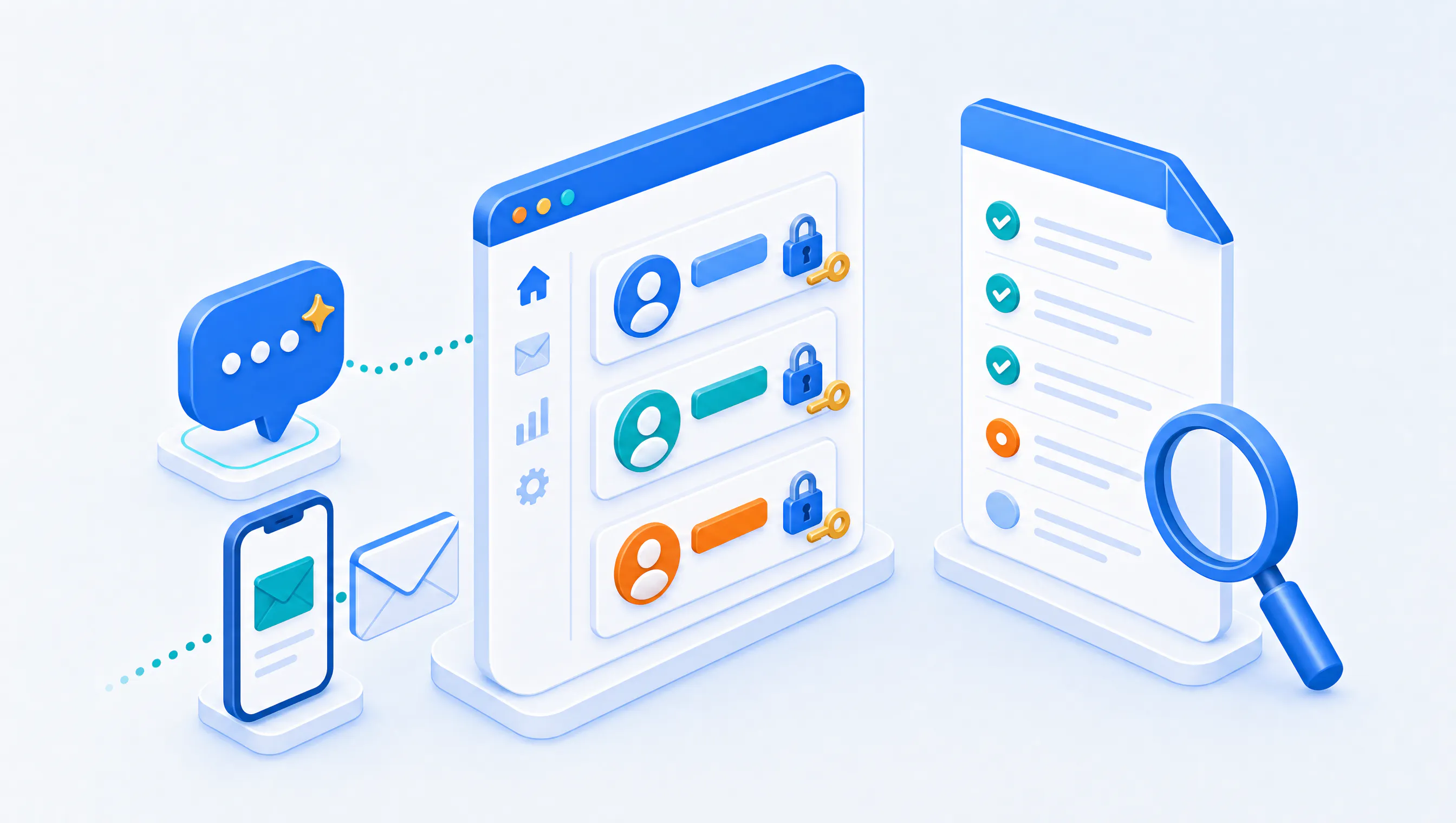
In v6.0.5, the account owner invites people by email. Each person sets their own password, can turn on two-factor authentication, and works under one of five roles:
- Owner can do everything, billing included, and manages the team.
- Admin can do everything except billing, including the team, API keys, sender domains, webhooks and account settings.
- Manager creates, edits, imports, exports, deletes and sends for lists, subscribers, campaigns, journeys, autoresponders, templates, segments and SMS.
- Author writes content (campaign drafts, emails, templates, segments and SMS drafts) but cannot send, schedule, import, export or delete.
- Viewer has read-only access, reports included.
Menus and buttons a role cannot use are hidden, and the role is also enforced on the server for every API command, so it holds whether a person clicks in the interface or calls the API with a key they created. A key a member creates acts with that member's role and stops working when the member is suspended or removed.
A few details we spent time on:
- One person, several accounts. Someone who belongs to more than one account switches between them from the top bar without signing in again. Their password and two-factor authentication belong to them, not to an account.
- Two-factor authentication can be required. The owner can require it from every member of the account, and service providers can require it for a whole plan.
- Removing someone is clean. Suspending or removing a member signs them out at once. If they created API keys or email gateway credentials, Octeth lists them and asks whether to revoke each one, keep it, or leave it refused.
If you run Octeth for your own customers, team seats are a plan limit. Your staff set the number of seats and the two-factor requirement per user group, see each customer's members, and can suspend or remove one. The Team Members guide covers inviting, roles and sign-in step by step.
An Audit Log for Every Account
Once several people work in one account, "who changed this?" becomes a question that needs an answer. Every account now keeps a log of sign-ins and changes. Each entry records who made it (the owner, a team member, an API key, an AI assistant key or staff), what the action was, what it changed, whether it succeeded, and the IP address and browser it came from.
The owner and Admin members open it under Team, and can filter by person, by action or by date. Entries are kept for a year by default.
More Tools for AI Assistants
The AI assistant connector we shipped recently let you connect Claude or ChatGPT to your Octeth account. In v6.0.5 it covers far more of the product. An assistant can now:
- Administer lists and their custom fields.
- Look up, tag, opt in and delete subscribers.
- Copy and delete segments.
- Report on email campaigns (link clicks, recipients and A/B test results), and copy or delete them.
- Clone and delete journeys, read their stats and enrol subscribers in bulk.
- Create and send SMS campaigns, and manage SMS templates and suppressions.
Two safeguards come with it. Every delete asks for confirmation first. SMS sends count against their own daily and per-send limits, separate from the email limits, so you can let an assistant work with SMS without giving it an open budget. The AI Assistants guide lists every tool and how to connect each assistant.
Faster Campaign Editing in the New Interface
Building a campaign in the new interface now takes fewer steps:
- Merge tags everywhere. The subject, preview text, HTML, plain-text and drag-and-drop editors have an Insert merge tag menu, and typing two opening curly braces opens the tag list at the cursor.
- Saved segments as recipients. The Recipients step can target one of a list's saved segments directly.
- A pre-filled sender. New campaigns, autoresponder emails and journey Send email steps suggest a sender from your last campaign, the list or the account default.
- Edit a scheduled campaign. A scheduled campaign has an Edit action, with a choice to keep the schedule or pause it while you change it.
- Clearer journey emails. The journey Send email step explains that its email is a template and offers to create one when none exists.
SMS Send Speed and Quiet Hours
A large SMS campaign sent at full speed goes out as fast as the gateway allows, at any hour. SMS campaigns now have a Send speed setting, in messages per minute, and quiet hours during which nothing goes out. Both can be changed while the campaign is sending, and the report shows when a campaign is waiting for quiet hours to end and when it resumes. The SMS campaigns guide explains the settings.
Security Changes
A good part of this release tightens how the email gateway handles credentials:
- Encryption before sign-in on port 587. On ports 587 and 2525, the email gateway's SMTP relay now requires a client to start encryption (STARTTLS) before it signs in. Before, a client could send its username and password over an unencrypted connection. Port 25 is unchanged.
- Stronger SMTP credentials. New SMTP usernames and passwords come from a secure random source. Existing credentials keep working.
- Gateway credentials follow the person. Team members see only the gateway credentials they created, and those stop working when the member loses access.
- Tighter checks on the API. One journey API command now validates its sort and filter values for every caller, and the global custom field commands always check the sub-administrator's privilege.
- Trusted client addresses. The remaining places that read a forwarded IP header now use the address resolved through the trusted proxy list.
If You Run Octeth for Others
Most of this release needs no action, but one change can stop a mail client. On installations whose inbound SMTP server has a certificate, a client that signs in on port 587 or 2525 without STARTTLS is now refused, so check that every client sending through the gateway on those ports has encryption turned on before you upgrade. A few API answers also change, and existing AI assistant keys that can send email can also send SMS after the upgrade.
Please read the Upgrade Notes in the changelog and the API behavior changes page before you upgrade an installation that other systems call.
Smaller Things Worth Knowing
- Excluded recipients stay excluded. Pausing, resuming or cancelling a campaign no longer removes its excluded lists and segments, and these actions keep conversion tracking on.
- Segment rules match the segment. A "belongs to segment" rule now targets exactly that segment's subscribers, including segments built on opens and clicks and randomized segments.
- Archived delivery servers. Administrators can archive a delivery server they no longer use and restore it later. An archived server is hidden from every picker and never used for sending.
- Support from inside the product. Contact support links in the new interface open your provider's help desk, or an in-app form that emails the support address.
- Suppression list export. The suppression list screens download the list as CSV, with the current search and filter applied.
- Tracking defaults for sender domains. Administrators can set whether new sender domains in a user group start with open and click tracking on.
- Safer hand-off to the sending queue. A campaign is handed to the sending queue only once the queue confirms it received the message.
What Comes Next
The next release follows on the usual two-week schedule. If your team starts sharing an account with roles, I would like to hear which role settings fit how you work and which ones you find missing.
Already an Octeth client? Log in to the Octeth Client Area to download v6.0.5.
Running your own email and SMS infrastructure and want to see what Octeth looks like on it? Tell us about your setup through the contact form at octeth.com/demo/.