
Today we switched off the old Octeth client area and replaced it with a new Client Portal. It lives at the same address, my.octeth.com, and your account, licenses and order history are already in it.
The old client area served us for many years, but it was built around one assumption: one person, one login, one license. That stopped matching how Octeth is used a long time ago. Most of our customers are agencies and sending teams. The person who pays the invoice is rarely the person who installs the release, and neither of them is always the one who opens a support request. The new portal is built around that.
If You Are Already a Customer
You will need to sign in again, because sessions from the old client area did not carry over. Your email and password are the same, and two-factor authentication and Google sign-in work as before. Your Octeth installations do not need any change.
Teams, With Roles
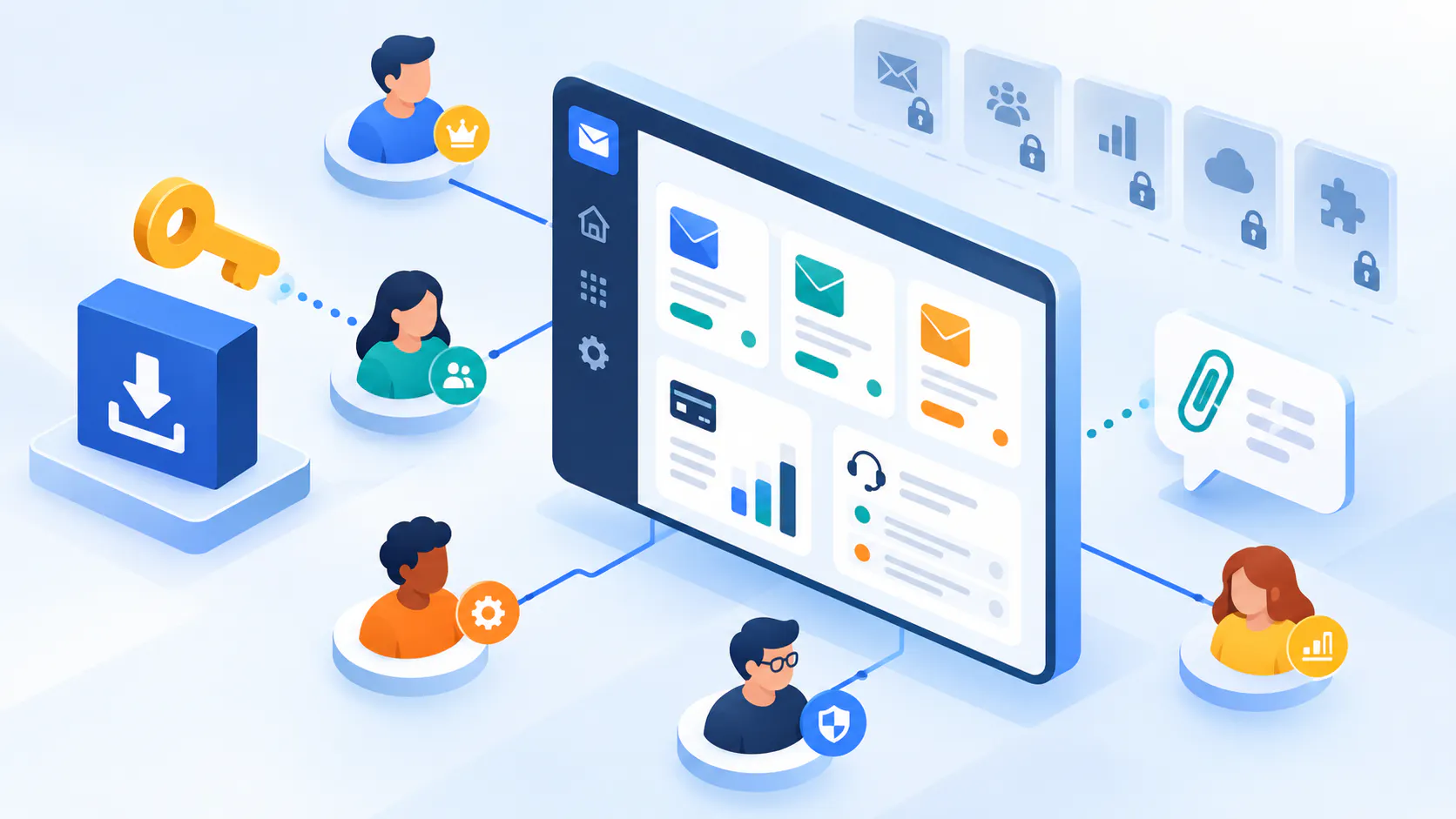
Your company account is now a team. You can invite colleagues by email and give each one of five roles: Owner, Admin, Billing, Technical or Viewer.
The roles exist because access should follow the job. A Billing member can buy licenses, renew service and pay invoices. A Technical member works with licenses and downloads and does not see billing at all.
If you had added billing or technical contacts in the old client area, they have become pending invitations. Owners can review them on the members page and send them.
You can also belong to more than one team and switch between them. If you manage Octeth for several companies, you no longer need a separate login for each.
Licenses You Can Manage Yourself
The dashboard lists every license with its plan, status, service expiry and the Octeth version your service covers.
Until now, moving a license to a new domain meant writing to us and waiting. You can now add and remove license domains yourself, up to ten changes per license, and download the license file for each domain straight away.
Release downloads work the same way they always should have. With active service, you can download every release. If your service has expired, you can still download every release published up to your expiry date. You paid for those, and they stay yours.
Support Inside the Portal
Support used to happen over email, which meant cases lived in one person's inbox. Now you open a case in the portal, reply there, and attach logs or screenshots (up to ten files per message, 20 MB each).
Each case shows where it stands: waiting on us, waiting on you, or on hold. Cases belong to the team, so a colleague can follow a case you opened and pick it up when you are away. You get an email when we reply, and unread replies are marked in the portal.
It is a first version. Replying by email and a searchable knowledge base are not there yet. The documentation at dev.octeth.com is one click away in the sidebar.
Billing That Fits How Companies Buy
You can buy a license, upgrade a plan, renew service or add users directly in the portal. For upgrades and extra users, the portal calculates the price difference before you pay.
Card payments go through Stripe as before. Many of our customers pay by bank transfer, so that is now built in: you get an invoice that carries our bank details. Your company name, address and VAT ID are kept on your billing profile and appear on your invoices, and every invoice can be downloaded from your order history.
Renewals are never charged automatically. You get reminders before your service expires, each with a one-click renewal link, and you decide.
Orders from the old client area are in your history, but most of them show without line items or amounts. That is how the old records were stored, and I would rather tell you now than have you find it.
Passkeys
Along with two-factor authentication, the portal now supports passkeys. You can sign in with your device's fingerprint or face recognition, or with a security key, instead of typing a password. Set it up under Settings, Security.
The Free Community License
New sign-ups can claim the free Octeth Community License and download the Community build right away. It is limited to one per team.
What Comes Next
The portal is also the foundation for something we have wanted to offer for a long time: services that sit around Octeth itself, for customers who want them.
The plan is a credit balance you top up once and spend across services, from the portal or through an API. The first services we are working on are:
- Email list verification, to remove invalid and risky addresses before you send.
- Email relay over API and SMTP, for teams that want delivery without running their own mail servers.
- Blacklist monitoring for your sending IPs and domains.
- Inbox placement testing, to see where a campaign lands before it goes out.
None of these are live yet, so I am not giving dates. You will see a card for them on your dashboard, and we will announce each one when it opens.
If something in your account looks wrong or missing after the move, open a support case from the portal and we will fix it.
Already an Octeth client? Log in to the Octeth Client Portal to see your account and download the latest version.
Want to see what running your own email platform looks like? Tell us about your setup through the contact form at octeth.com/demo/ and we will show you.